
In an increasingly digital world, video conferencing has become the backbone of communication for businesses, educators, and remote teams. From daily team check-ins to global client presentations, the quality of a virtual meeting directly impacts productivity, collaboration, and professional perception. Mastering video conference tips is no longer optional—it is a critical skill that determines how effectively we communicate, present ideas, and build relationships in a virtual environment. This comprehensive guide delivers powerful, actionable strategies to ensure every video meeting is clear, efficient, engaging, and highly professional, helping you stand out and dominate in any online setting.
Complete Guide to Video Conference Tips
Why Video Conferencing Skills Are Essential
The rise of remote work and digital collaboration has made Video Conference Tips a core competency. Poor audio, weak engagement, or technical disruptions can quickly derail a meeting and reduce effectiveness. On the other hand, mastering video conference techniques ensures clear communication, stronger teamwork, and improved decision-making. When executed correctly, virtual meetings can be just as impactful—if not more—than in-person interactions.
Setting Up for a Perfect Video Conference
Optimize Lighting for a Professional Look
Lighting is one of the most overlooked yet crucial elements of a successful video conference. Proper lighting ensures that your face is clearly visible, which enhances communication and builds trust. Position a light source in front of you rather than behind, as backlighting can create shadows and obscure your appearance. Natural daylight is ideal, but artificial lighting such as a ring light can also deliver a bright, balanced, and professional image.
Choose a Clean and Distraction-Free Background
Your background reflects your professionalism. A cluttered or messy environment can distract participants and reduce credibility. Opt for a neutral or organized background that keeps the focus on you. Virtual backgrounds can be useful, but they should be subtle and not overly animated to maintain a clean and polished presentation.
Invest in High-Quality Audio and Video Equipment
Clear communication starts with reliable equipment. A high-definition webcam and a quality microphone significantly improve how you are seen and heard. Built-in laptop microphones often pick up background noise, so using a headset or external mic ensures crisp and uninterrupted audio clarity.
Pre-Meeting Preparation for Maximum Efficiency
Test Your Technology Before the Meeting
Technical issues can waste valuable time and disrupt the flow of a meeting. Always test your internet connection, camera, microphone, and conferencing software in advance. This preparation minimizes risks and ensures a smooth start.
Create a Structured Agenda
A clear agenda sets expectations and keeps discussions focused. Outline key topics, assign speaking roles if necessary, and define objectives. This approach ensures that meetings remain organized, goal-oriented, and productive.
Dress for Professional Impact
Even in a remote environment, appearance matters. Dressing professionally not only boosts confidence but also demonstrates respect for participants. Solid colors and simple patterns work best on camera, creating a sharp and distraction-free visual presence.
Best Practices During a Video Conference
Maintain Eye Contact with the Camera
Looking directly into the camera simulates eye contact, making communication more personal and engaging. This simple habit strengthens connection and helps convey confidence and authority.
Speak Clearly and Concisely
Effective communication requires clarity. Avoid speaking too quickly, and articulate your points with precision. Pause when necessary to allow others to respond, ensuring a balanced and interactive conversation.
Mute When Not Speaking
Background noise can disrupt meetings and distract participants. Keeping your microphone muted when not speaking ensures a professional and noise-free environment.
Engage Actively with Participants
Active participation is key to a successful meeting. Nod, respond, and ask questions to show attentiveness. Engagement fosters collaboration and ensures that all participants feel involved.
Advanced Video Conference Tips for Professionals
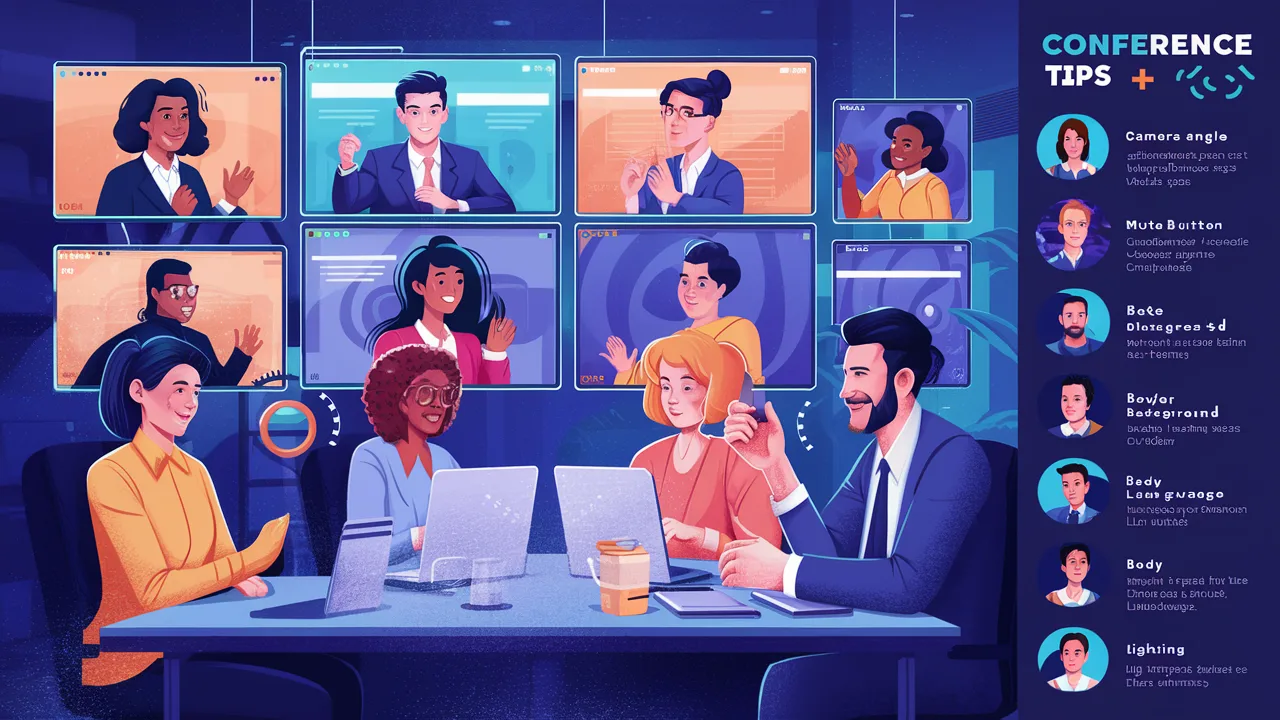
Use Screen Sharing Strategically
Screen sharing enhances understanding by allowing visual demonstrations. Ensure that your screen is organized and free of irrelevant content before sharing. This helps maintain focus and improves the effectiveness of presentations.
Record Meetings for Reference
Recording meetings provides a valuable resource for future review. It allows participants to revisit discussions and ensures that no important details are missed, especially in training or complex discussions.
Manage Time Efficiently
Respecting time is a hallmark of professionalism. Start meetings on time, stick to the agenda, and conclude as scheduled. Efficient time management keeps participants engaged and maximizes productivity.
Common Video Conferencing Mistakes to Avoid
Ignoring Technical Quality
Poor audio or video quality can undermine even the best presentations. Always prioritize technical readiness to ensure a seamless experience.
Multitasking During Meetings
Dividing attention between tasks reduces engagement and can lead to missed information. Focus entirely on the meeting to contribute effectively.
Overlooking Body Language
Non-verbal communication plays a significant role in virtual meetings. Maintain good posture, use appropriate facial expressions, and avoid distractions to convey confidence and attentiveness.
Benefits of Mastering Video Conference Tips
- Enhanced communication clarity
- Improved professional image
- Greater team collaboration
- Higher meeting productivity
- Reduced technical disruptions
Conclusion
Mastering video conference tips is essential for thriving in today’s digital communication landscape. By optimizing your setup, preparing thoroughly, and engaging effectively, you can transform virtual meetings into powerful tools for collaboration and success. These strategies ensure that every interaction is professional, efficient, and impactful, giving you a competitive edge in remote work, business communication, and online presentations.
Frequently Asked Questions (FAQ)
1. What are the most important video conference tips?
The most important tips include good lighting, clear audio, stable internet, and professional behavior throughout the meeting.
2. How can I improve video conference quality?
Use high-quality equipment, optimize your environment, and ensure a strong internet connection.
3. What should I wear during a video conference?
Wear professional and neutral clothing that looks clean and appropriate on camera.
4. How do I stay engaged in virtual meetings?
Maintain eye contact, participate actively, and avoid distractions to ensure full engagement.
5. Are video conferencing tools easy to use?
Yes, most platforms are designed to be user-friendly and accessible, making virtual meetings efficient and convenient.
